


If you are a PC user, you probably already know that Windows is a highly connected operating system. Whether it’s reporting back to Microsoft with other built-in telemetry tools, or syncing with other apps in the background and uploading your data, your computer is talking to external servers at all times. When you bring the laptop to your local café, add the possibility that your internet service provider is monitoring your web browsing and opportunistic hackers are looking over your shoulder, and you’re on a fast track to having your privacy invaded.
While browser extensions are great for lightweight tasks, they only protect the traffic inside your browser window. The only way to truly secure your digital trace on a PC is to get a virtual private network as a system-wide solution. Everything is encrypted, whether you’re playing games, downloading updates, torrenting, or using your email app. The best providers will load quickly on your computer, have a dependable kill switch, and provide split tunneling to ensure you know which applications are connected securely.
To help you secure your PC from data sniffers and invasive trackers, we have evaluated the top security software on the market. Here are the most reliable solutions for protecting your online privacy on Windows today.
1. Browsec VPN
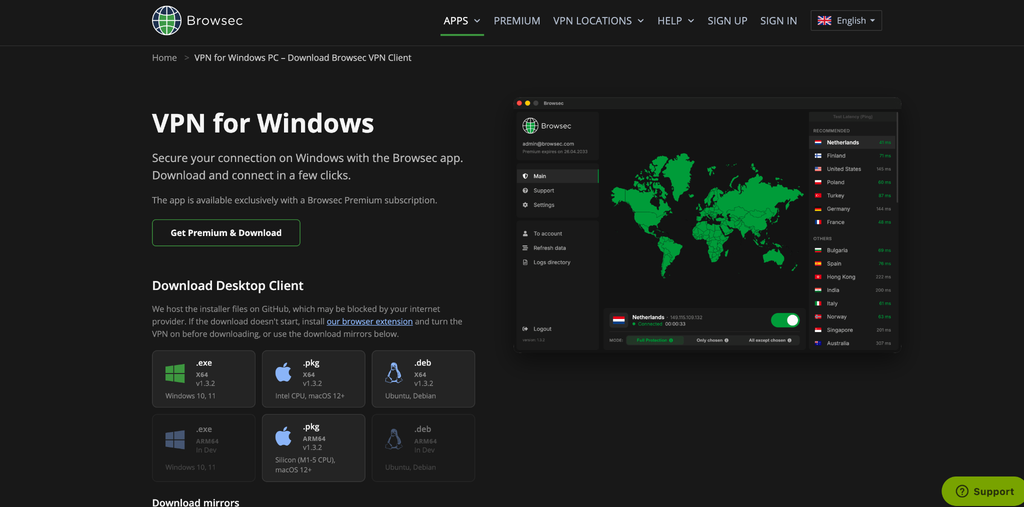
When it comes to securing your entire operating system without bogging down your computer’s performance, Browsec VPN for Windows is a top-tier choice. This is a dedicated desktop proxy that encrypts your entire internet connection, in contrast to simple browser proxies. Ideal for remote workers, gamers, and anyone who uses their PC, it offers system-wide protection and is easy to set up and use. Whether you are connected to a risky public hotspot or just want to keep your ISP from throttling your bandwidth, it handles it all effortlessly.
- System-Wide Encryption: Applies AES-256 military-grade encryption to all desktop traffic, protecting every app running on your machine.
- Per-App Tunneling: Easily route specific applications (like your torrent client) through the encrypted tunnel while letting other apps (like a local multiplayer game) run on your standard network.
- High-Speed Infrastructure: Access Premium servers in over 46 countries with speeds up to 1 Gbps, ensuring smooth 4K streaming and lag-free browsing.
- Live Latency Tracking: The desktop client provides a live ping list, allowing you to instantly identify and connect to the fastest available server.
2. NordVPN
NordVPN offers a highly robust desktop application that packs in a wide variety of cybersecurity tools beyond just IP masking. It is best for Windows users who want a comprehensive, all-in-one security suite to defend against malware, intrusive ads, and trackers.
- Threat Protection: Scans downloaded files for malware and blocks access to dangerous websites directly at the network level.
- NordLynx Protocol: Built around WireGuard technology, this proprietary protocol ensures rapid connection speeds without sacrificing security.
- Meshnet Feature: Allows you to create your own encrypted private network to securely share files or play LAN games with friends across the globe.
3. ExpressVPN
ExpressVPN is widely recognized for its minimalist, incredibly intuitive Windows application and its commitment to high-speed performance. It’s perfect for those who are heavy users and frequent travelers who want to have access to geo-restricted content and aren’t afraid of spending a little more for a smooth experience.
- Lightway Protocol: A custom-built VPN protocol designed to consume less battery on your laptop while establishing connections in fractions of a second.
- Network Lock: A very responsive kill switch that shuts off all network connections when your secure connection unexpectedly drops.
- TrustedServer Network: All servers run on volatile RAM, thus there is no data on a hard drive ever used by the user; it is all erased on reboot.
4. Surfshark
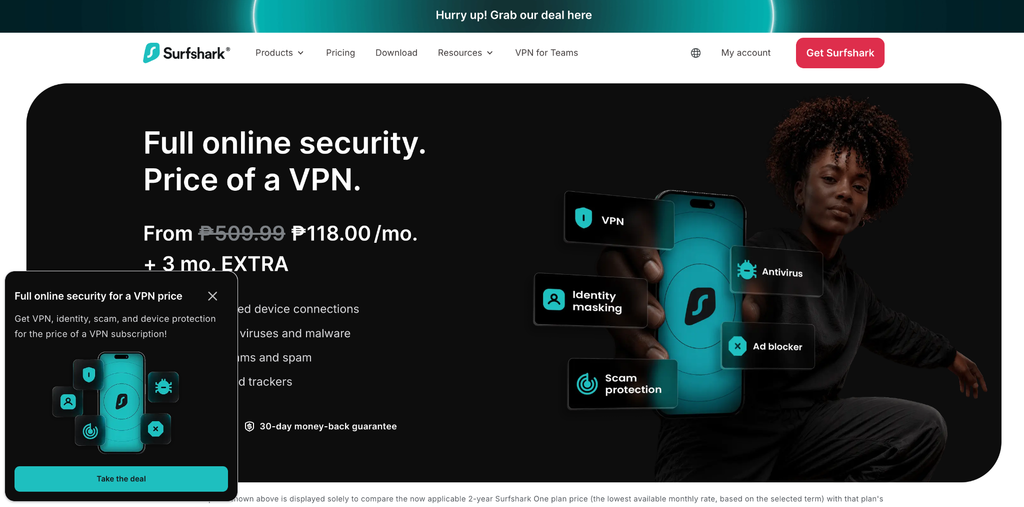
Surfshark offers a massive amount of value for Windows users, standing out from the competition by allowing unlimited simultaneous device connections. This is ideal for homes with more than one PC, laptop, and smart device that requires full protection.
- Bypasser Feature: Surfshark’s version of split tunneling, allowing you to easily exclude specific PC applications or websites from the VPN connection.
- CleanWeb: An embedded blocker of annoying advertising, tracking cookies and malicious domains.
- MultiHop Technology: Routes your PC’s internet traffic through two separate servers in different countries, doubling the encryption layers for maximum privacy.
5. Proton VPN
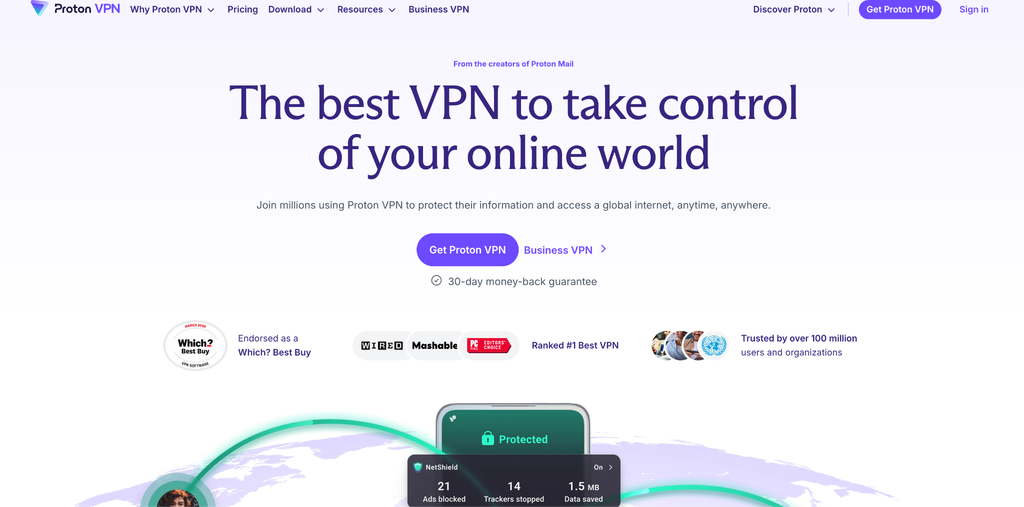
Created by the privacy advocates at ProtonMail, Proton VPN is engineered for users who require the utmost transparency and security. It’s strongly recommended for journalists, activists, and privacy purists who need an independently audited and open-source tool for their Windows machine.
- Secure Core: Provides security when using the network layer by routing data through privacy-friendly jurisdictions such as Switzerland before reaching the destination.
- Open-Source App: The whole Windows client is open source, meaning that anybody can review the code for any possible vulnerabilities or hidden trackers.
- Alternative Routing: Automatically circumvents aggressive internet blocks and censorship firewalls for continued connectivity in restricted areas.
6. CyberGhost

CyberGhost provides one of the most user-friendly desktop applications available, featuring specialized servers tailored for specific online activities. A great choice for gamers, streamers, or downloaders who are looking for optimized connections without getting into the nitty-gritty of settings.
- Smart Rules: Allows you to fully automate your privacy by setting the app to launch and connect to a specific server the moment Windows boots up.
- Task-Specific Servers: Offers a neatly organized list of servers strictly optimized for streaming platforms or low-latency gaming.
- Dedicated IP Option: Users can purchase a unique, static IP address that helps avoid annoying CAPTCHAs while browsing on their PC.
7. Mullvad VPN
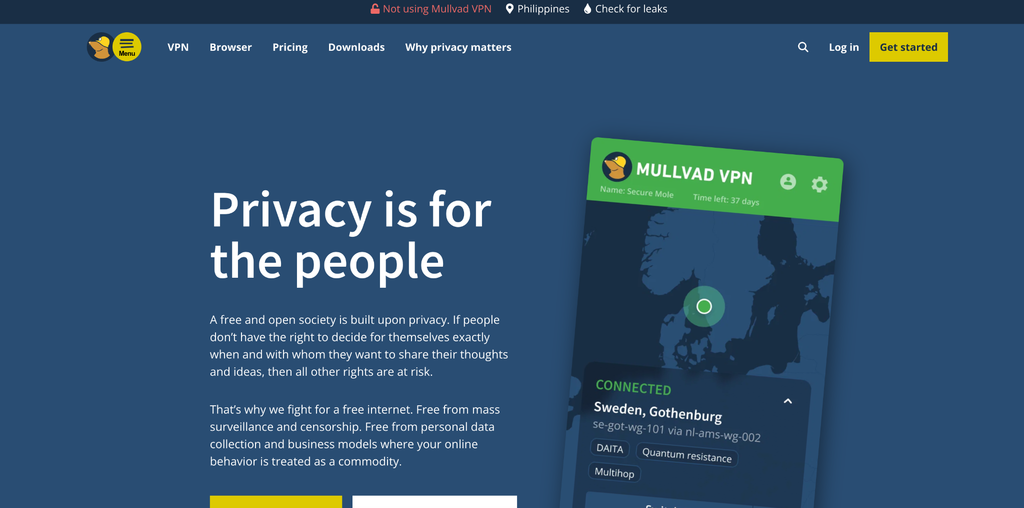
Mullvad VPN strips away all the marketing fluff and focuses entirely on hardcore anonymity. The service doesn’t even require users to get an account with an email address or password, making it the ideal choice for those who wish to have a nonexistent digital footprint connected to their identity.
- Absolute Anonymity: Accounts are generated using a random numbered code, and the company even accepts anonymous cash payments through the mail.
- Advanced Kill Switch: The Windows app features a strict lockdown mode that prevents your computer from accessing the internet at all unless the VPN is active.
- Transparent Pricing: Flat-rate pricing policy that hasn’t changed over the last few years and will not change in the future, no matter how long you subscribe.
8. IPVanish
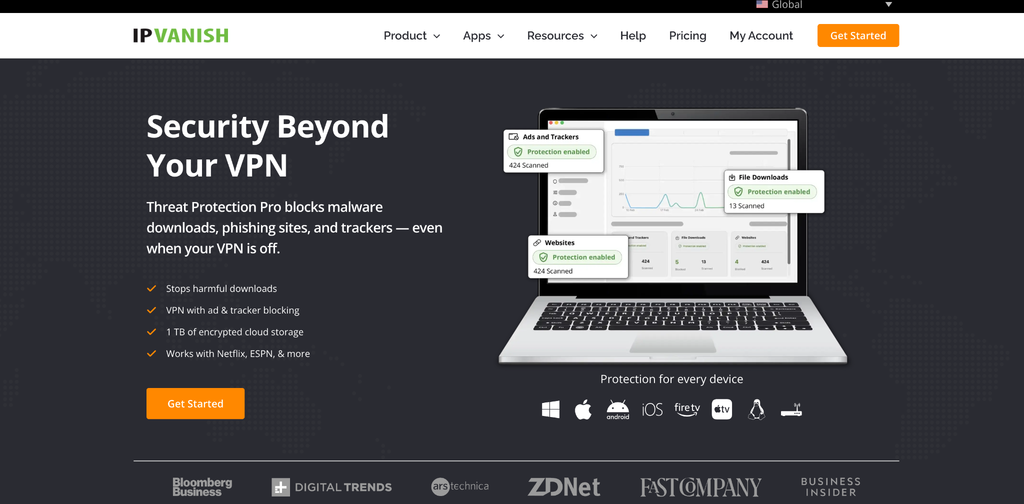
IPVanish sets itself apart by owning and maintaining its entire physical server infrastructure rather than renting server space from third parties. It is very suitable for data-driven users who prefer to keep an eye on their network directly from their desktop.
- In-Depth Diagnostics: The Windows client has a pretty neat-looking interface with rolling graphs showing the speed of your current connection and the amount of data you’re using.
- Owned Infrastructure: They have complete control over their own infrastructure, which means that they will have better physical security and lower risk of third parties interfering with their system.
- SOCKS5 Proxy: Includes access to a proxy server that is highly beneficial for users looking to configure fast, secure peer-to-peer downloading on their PC.
What to Look for When Choosing a Windows VPN
Choosing the best security software for your PC isn’t just about concealing your IP address. A good desktop client should seamlessly integrate with your operating system while providing robust defense mechanisms. These are the factors to keep in mind:
- System-Wide Kill Switch: This is a non-negotiable feature for desktop users. In the event of a secure tunnel lapse, even for a split second, your original IP and data may leak out. All internet traffic is blocked immediately if a secure connection is lost until it is reconnected.
- Split Tunneling (Per-App Routing): Not every application on your PC needs to be encrypted. With split tunneling, you can send sensitive applications (such as your crypto wallet or torrent software) via the VPN, and all other local apps (such as your wireless printer software) will use your regular network.
- Lightweight Client Performance: Windows is already a resource-heavy operating system. You need an easy-to-use app that works in the background without consuming too much CPU or memory, so your PC won’t slow down.
- No Logs Policy: Ensure that your provider has a clear policy on connection data logging, storage, and sale. Find those companies that have undergone third-party security audits for their privacy policies.
Conclusion
With a Windows PC, it is not enough to rely on general browser privacy settings and privacy options to achieve meaningful online privacy. System-wide encryption is a crucial part of digital hygiene, as there is always background traffic at the OS level, network tracking by Internet service providers, and potential vulnerabilities on untrusted Wi-Fi connections.
The best PC service should offer a seamless experience, without causing any significant performance decrease. Be sure to search for features that allow you more control over your traffic, like split tunneling, and also an automated kill switch to avoid unanticipated data leaks. With a trusted and independently audited service provider, you can rest assured that your desktop activities, whether you’re playing games or working on sensitive tasks, are all confidential.
